
Showing articles in 'MTD - Xero'...(« back to knowledgebase)
Showing 17 articles.
Expense Mapping Cheat Sheet To help with all the latest information on expense mapping in both Xero and Untied, Louise from Performance Accountancy has put together a handy cheat sheet – click the graphic below to download your PDF versions: Click here for the full Cheat Sheet (Read More)
How To Record Your Mileage In Xero In this video, we are going to look at how to record mileage in Xero. This is relevant if you use your own car for business purposes as part of your self-employed business. This does not relate to any PAYE employment. It applies where you are recording your […] (Read More)
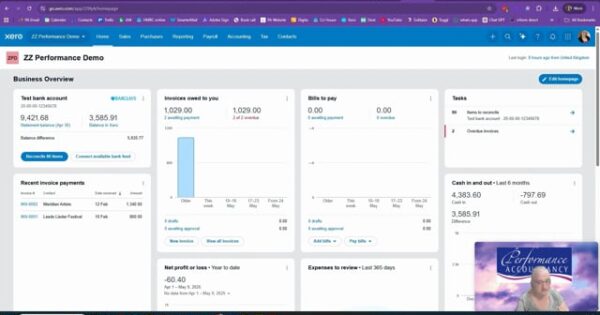
Grant income received – Performance Accountancy – MTD Let’s address grant income. Sometimes musicians, performers and other creative professionals receive grants from organisations such as Arts Council England, Help Musicians or similar funding bodies. The tax treatment depends on why the grant was given in the first place. If it is a development grant, it may not be taxable. In that situation, you may be able to record it as owner’s funds introduced, rather than as income. In Xero, that could mean coding it to account 970, owner’s funds introduced. It would not then […] (Read More)

Agent income in Xero – Performance Accountancy – MTD In this video we are looking at how to record agent income in Xero. This is particularly relevant for musicians, singers and performers who are paid through an agent rather than directly by the venue or engager. For this example, assume you are using Xero Simple […] (Read More)
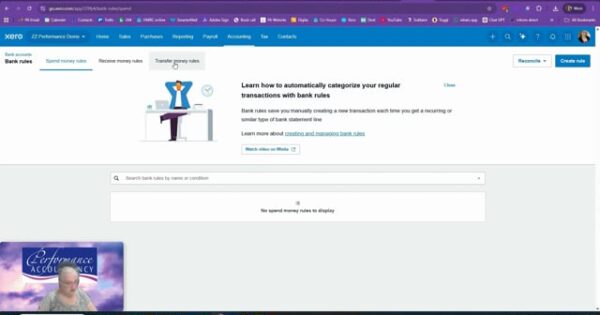
Creating bank rules in Xero – Performance Accountancy – MTD Reconciling the bank manually in Xero can be a bit laborious. It does help that Xero remembers where the last transaction was posted, but we can make life much easier by creating bank rules. Bank rules still need checking, but they can save a lot of repetitive work. Start by going to the bank […] (Read More)
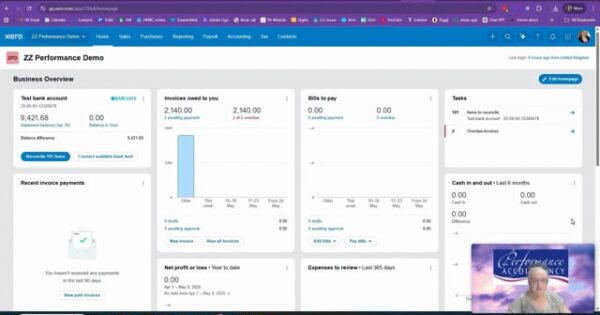
Reconciling the bank from scratch – Performance Accountancy – MTD If you are using the cash basis, one of the most important things you need to do in Xero is reconcile your bank account properly. Your business bank account might be an actual business account issued by the bank, or it might be a personal account that you have clearly set aside for business […] (Read More)
Xero set up of Products and Services – Performance Accountancy – MTD In this video, we are going to look at something in Xero that can make your invoicing much quicker and easier: products and services. Products and services allow you to prefill the information for things you commonly sell, or sometimes things that regularly appear on your invoices. For example, you might set up a […] (Read More)

Creating Sales invoices including Agents – Performance Accountancy – MTD In this video, we are looking at how to create sales invoices in Xero for your self-employed accounts. For these demonstrations, I am assuming that you only have self-employed income. If you also have property income, the setup can be slightly different, but we will […] (Read More)

Set up Customers and suppliers in Xero – Performance Accountancy – MTD If you want to raise sales invoices in Xero, it is a good idea to set up your customer contacts properly first. Xero Simple has a maximum of 10 sales invoices per month, Xero Ignite has a maximum of 20 per month, and […] (Read More)
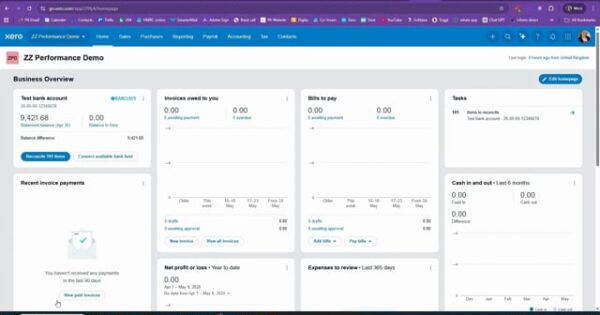
Xero invoice settings – Performance Accountancy – MTD In this video, we are looking at how to set up your sales invoice settings in Xero. This controls what your invoices look like, where the numbering starts, your default payment terms and the standard information that appears on the invoice. Before you rely on Xero for […] (Read More)
Setting Up Xero Bank Feeds – Performance Accountancy The next stage of setting up Xero is to look at the bank feed. This might be a feed from a UK bank account in GBP, or it might be a GBP credit card account. However, if you are using Xero Simple or Xero Ignite, you can […] (Read More)
Setting Up Xero New Chart of Account – MTD from Performance Accountancy In this video, we are looking at how to set up a new account code within the chart of accounts. We are not rebuilding the whole chart of accounts; we are simply adding one new account where one is missing. A chart of accounts is like a filing cabinet. It is the structure that tells Xero where to put your income, expenses, assets, liabilities and other accounting entries. If you came through Performance Accountancy and we set up your Xero before you started using it, we would normally have loaded a musician and performer chart of accounts for you. If you used the default Xero setup, your chart of accounts may not be particularly relevant to your work. It may include categories designed for general businesses, rather than for musicians, performers or teachers. We can usually improve it, but if you have already coded a large amount of information, changing the structure later can become a bit of a pain. The example in this video is withholding tax. In the chart of accounts I had loaded for the demonstration, I had not included a specific account code for withholding tax. If you perform overseas, you may need one. From the dashboard, go to Accounting, then Chart of Accounts. This opens the list of account codes currently available in Xero. To add a new code, click Add Account. We need to make sure that withholding tax does not get included as an expense in the quarterly updates to HMRC. For that reason, we are not putting it into the normal income or expense ranges. In this example, we set it up as an equity account. For the code, use 985 if it is available. In the video, Xero confirmed that the code was available. I called the account Withholding tax deduction. The description should explain what the code is for. For example, this […] (Read More)

Setting Up Xero Correctly From the Start- MTD with Performance Accountancy Hello, I’m Louise from Performance Accountancy. If you have just signed up to Xero as a musician, the first thing you need to understand is that Xero is not designed specifically for musicians or performers. It is designed for general businesses. The default chart of accounts often includes categories such as stock, inventory and retail sales. Most musicians do not need those, unless of course you have a stock of oboe reeds to sell. Your chart of accounts is simply a filing cabinet. Every pound coming into or going out of your business gets placed into one of the folders in that cabinet. If the folders are wrong, your tax return can be wrong too. A good musician setup usually includes income categories such as performance income, teaching income, choir subscriptions, recording or session work, and royalty income. It should also include expense categories that reflect how you actually work, such as musicians and deputies, venue hire, sheet music, professional subscriptions, agent fees, travel, training and equipment. When the structure reflects your real working life, your bookkeeping becomes much easier and your year-end accounts become much calmer. It also means that the information going into your tax return is more accurate. Before you start reconciling hundreds of transactions, spend time getting the structure right. It is far easier to build cleanly at the beginning than to repair a muddled system later. The videos in our knowledge base will help point you in the right direction. Alternatively, contact us and we can arrange help with setting up Xero properly from the start. (Read More)
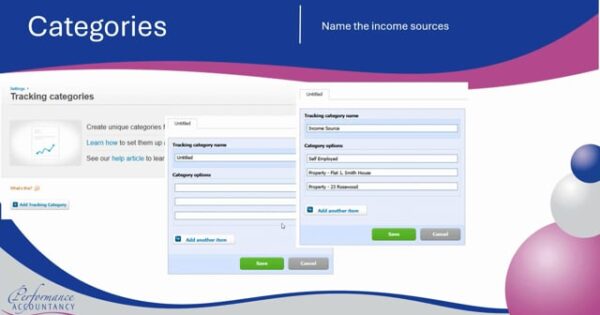
Using Xero for Self-Employment & Property Income | MTD Guide (UK) Using Xero for both self-employment and property income can feel complex, especially with Making Tax Digital (MTD) coming in. In this video, Performance Accountancy explains how to manage multiple income streams in Xero, including both self-employed business income and rental property income. We […] (Read More)

Link Xero to HMRC for MTD IT – Xero Guide – Performance Accountancy – MTD Connecting Xero to HMRC is a key step in getting ready for Making Tax Digital for Income Tax (MTD IT). In this video, Performance Accountancy walks you through how to link your Xero account to HMRC, so you can submit your MTD updates correctly and stay compliant. We cover: how to connect Xero to HMRC what you need before you start common setup issues to avoid how the connection works for MTD IT submissions what performers and creatives should be aware of This guide is tailored for musicians, performers, and self-employed creatives who want to make sure their Xero setup is ready for Making Tax Digital. Whether you’re setting things up yourself or working with an advisor, this is a key step in your MTD journey. (Read More)
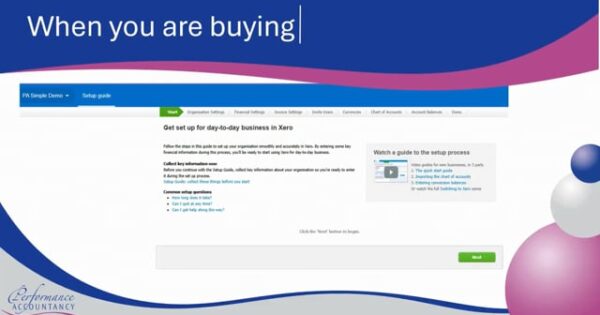
Xero Guide for Making Tax Digital (MTD) | Performance Accountancy Looking to use Xero for Making Tax Digital (MTD)? In this guide, Performance Accountancy walks you through how Xero works for MTD, with a focus on performers, musicians, and creative professionals. We cover everything you need to know, including: How Xero supports Making Tax Digital Choosing between Xero Simple, Ignite, Grow, and Comprehensive Setting up your chart of accounts Managing […] (Read More)

MTD with Xero for Performers – Getting Started This section of the website is dedicated to people who want to use Making Tax Digital with Xero accounting. That includes Xero Simple, Xero Ignite, Xero Grow, and Xero Comprehensive. What’s important to note is that this is specifically aimed at people working in music, arts, and […] (Read More)